AutoSegment
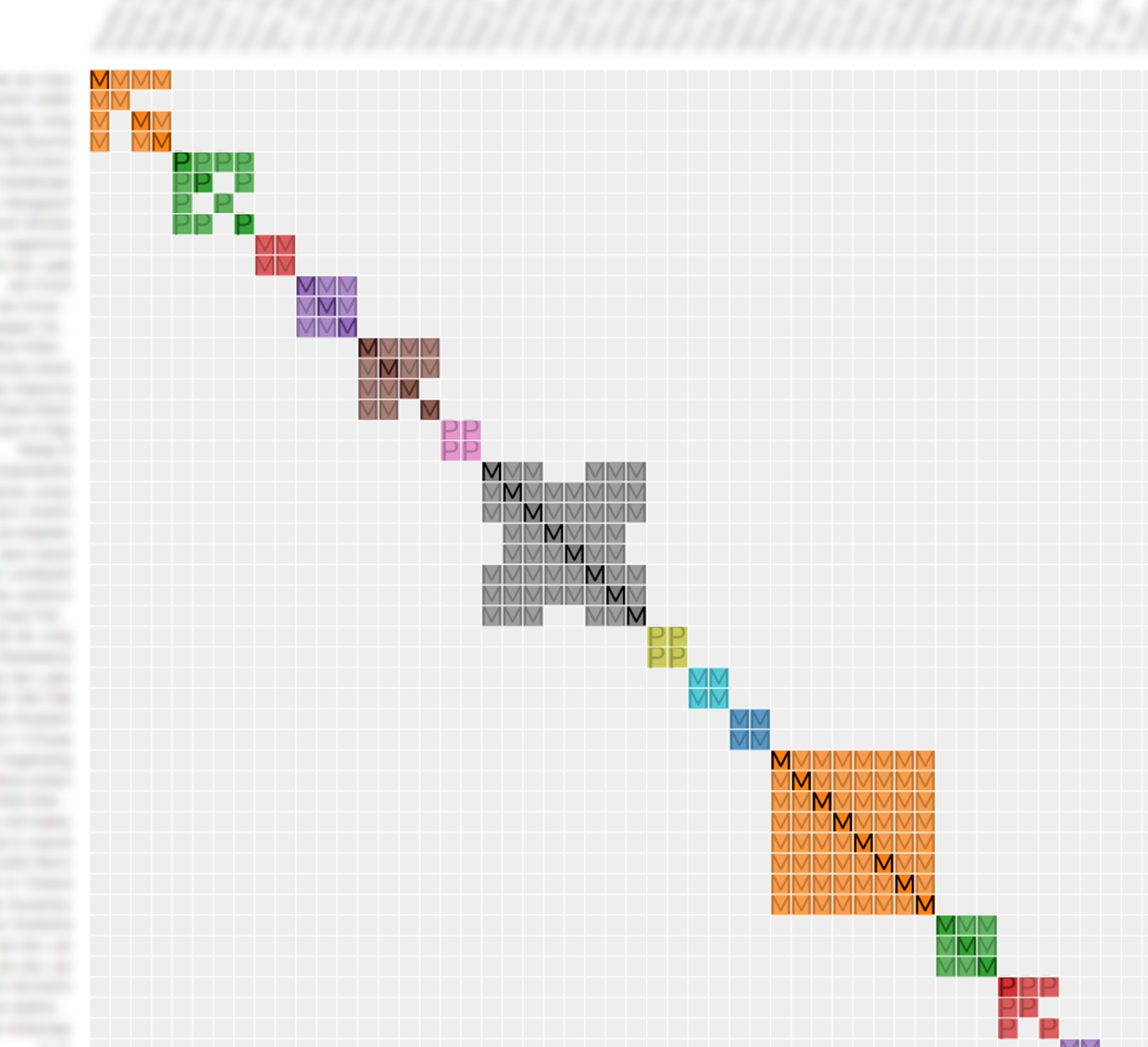
AutoSegment groups your DNA Matches into clusters based on shared DNA segments, helping you identify likely connections to common ancestors. The results are displayed in an interactive visualization, allowing you to explore shared segments and better understand your genetic relationships.
Key Features
How to get started*
*The automated AutoSegment works exclusively with FamilyTreeDNA profiles. Uploading a local segment file is required for analyses for other companies. Note: as of 2026, most offline segment files can no longer be downloaded from testing companies (23andMe, MyHeritage and others have restricted access). The offline workflow is mainly useful if you already have those files saved from earlier.


The analysis wizard — your password is entered at run-time only, encrypted
locally, used to pull your match list, then discarded.
Availability across different companies
Compare the availability and features of the AutoSegment tool across five major genetic testing companies.FTDNA
- Full support
- Automated retrieval of segments using AutoSegment ICW
- AutoSegment using local CSV files
23andme
- Automated retrieval not supported
- AutoSegment using local CSV files (local segment files largely unavailable for new users since 2026)
Ancestry
- not supported
MyHeritage
- Automated retrieval not supported
- AutoSegment using local CSV files (local segment files largely unavailable for new users since 2026)
Search across companies using hybrid AutoSegment
Hybrid AutoSegment combines segment data for MyHeritage, FamilyTreeDNA, 23andme and GEDmatch.
Check out our AutoSegment FAQ
Our AutoSegment FAQ section covers everything you need to know about AutoSegment. For more in-depth background, see the Genetic Affairs documentation.