AutoCluster
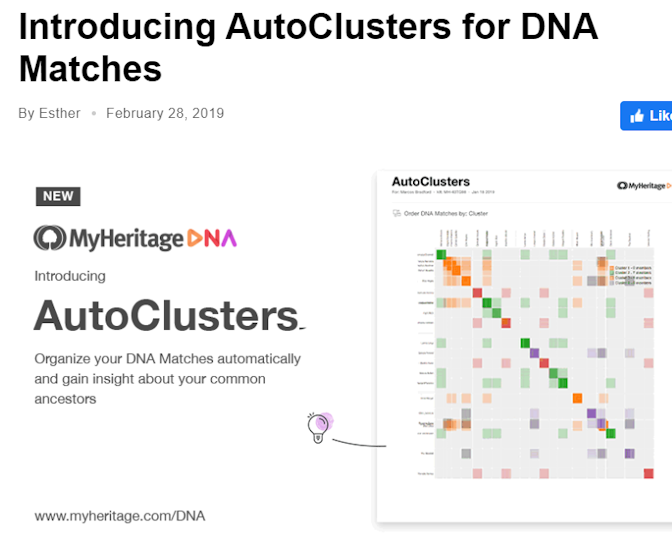
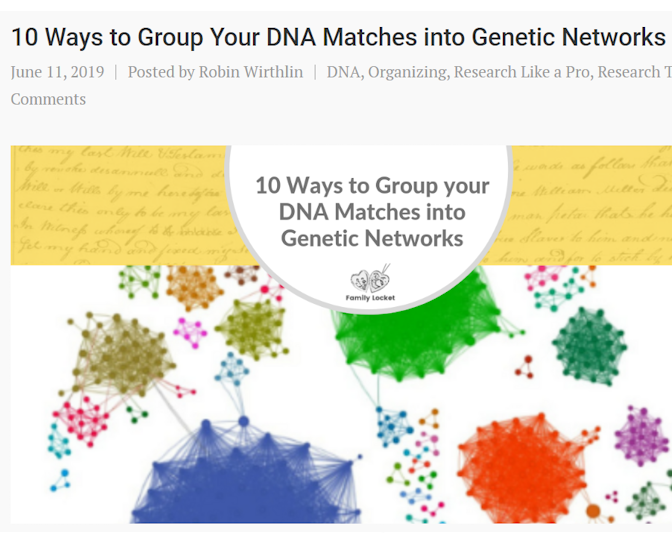
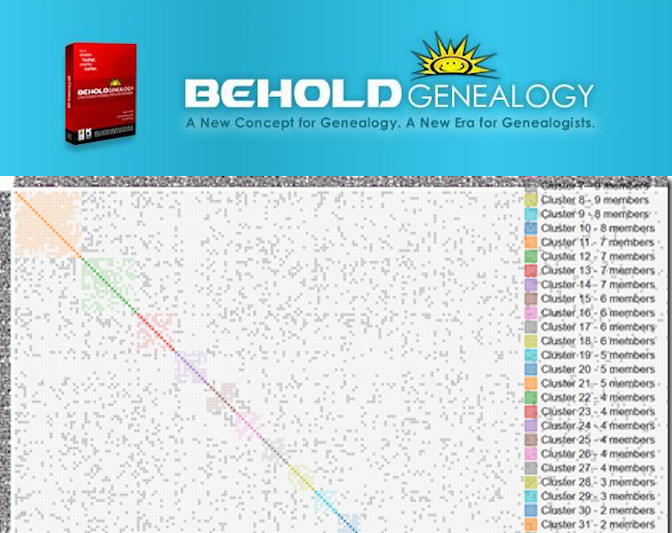
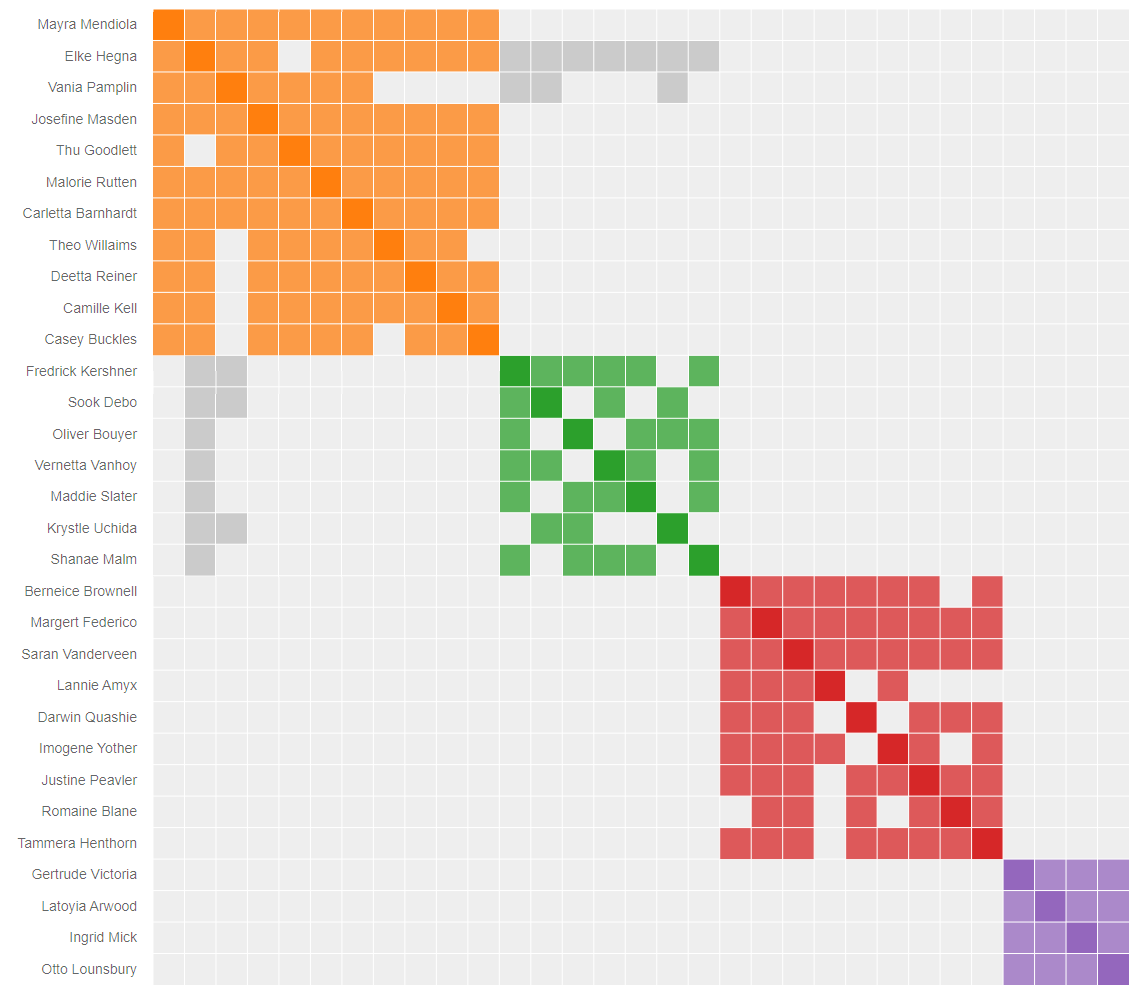
AutoCluster groups together your DNA Matches into clusters of matches that most likely descend from common ancestors. The results of this analysis are presented in an interactive visualization.
Key Features
How to get started*
*The automated AutoCluster works exclusively with FamilyTreeDNA profiles. Additional steps are required for analyses for other companies.



The analysis wizard — your password is entered at run-time only, encrypted
locally, used to pull your match list, then discarded.
Availability across different companies
Compare the availability and features of the AutoCluster tool across five major genetic testing companies.FTDNA
- Full support
- Automated retrieval of matches/trees and segments
- Alternatives: AutoLineage
23andme
- Automated retrieval not supported
- Alternatives: AutoLineage
Ancestry
- Automated retrieval not supported
- Alternatives: AutoLineage
MyHeritage
- Automated retrieval not supported
- Available via MyHeritage
- Reclustering via utils
- Alternatives: AutoLineage
GEDmatch
- Automated retrieval not supported
- Available via GEDmatch
- Endogamy focused version on GEDmatch
- Alternatives: AutoLineage
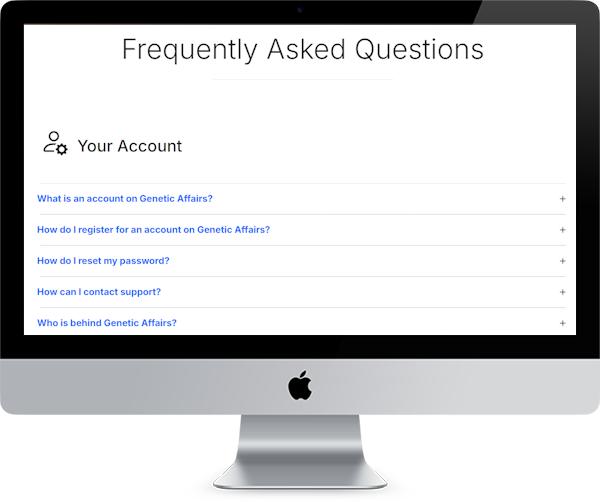
Check out our AutoCluster FAQ
Our AutoCluster FAQ section covers everything you need to know about AutoCluster. For more in-depth background, see the Genetic Affairs documentation.